Archive for the ‘wayne yoshida’ Tag
It’s been a long time since I posted an update on the Factory Five Racing Coupe. Here is an update in pictures and captions . . .
-
-
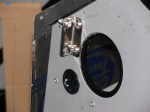
Type 65 Coupe complete kit brake reservoir bracket location
-
-
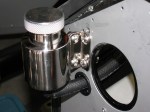
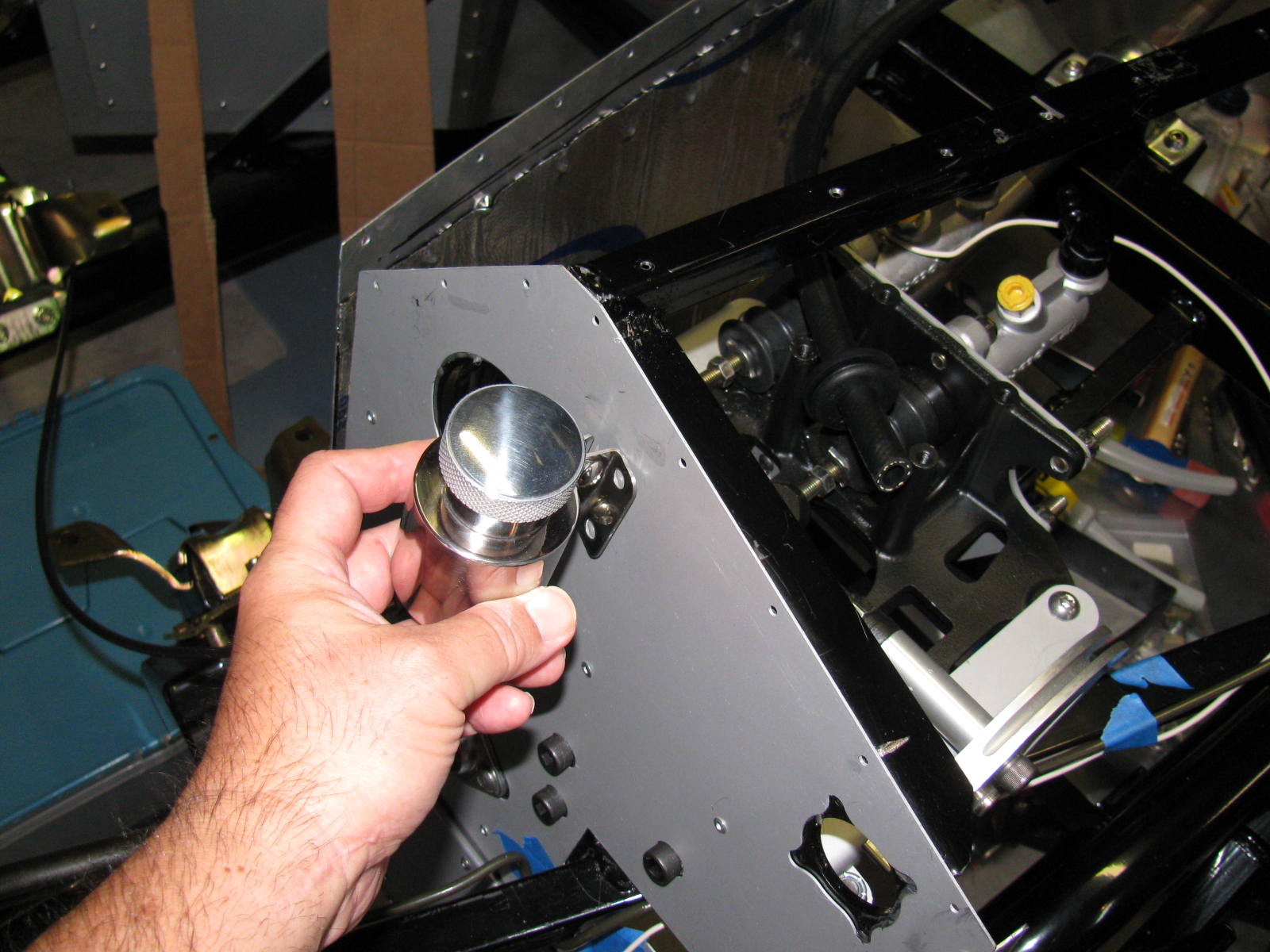
Polished stainless steel brake reservoir can, Type 65 Coupe, Complete Kit
-

-
I added a plastic grommet from the hardware store electrical section to prevent chafing the brake fluid hose.
-
-
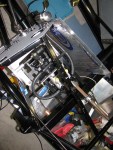
I followed the hose layout as shown in the current Roadster build manual.
-
-
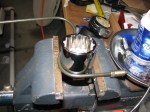
I used a big socket (35mm, I think) in a bench vise to bend my brake lines. Nothing fancy.
-

-
Brake lines are bent into rough shape, then taped in place along its route. Final bending is done on the chassis by hand.
-

-
Brake line held in place with tape, More adjustments are done by hand. Notice the way the excess lines are curved – this allows flexing in two planes – up and down and left and right. This is a 40-inch, pre-flared line I bought at a local car parts store. The supplied 60-inch line was way too long.
-

-
I start my brake line layout by marking the center of the span. This is the large rectangular tube going across the rear. The white wire (number 12 solid copper house wire) is used to make an extremely rough approximation of how the line will run.
-

-
Here you can see the white wire mock-up next to the steel brake line. The roughly Ohmega shape is centered above the IRS pumpkin.
-

-
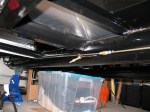
I decided to run the rear brake line on the inside of the firewall. It will look cleaner in the engine bay and will help keep the line cooler.
-
-
I got lucky. I used a 60-inch line from the rear master cylinder, down the inside of the firewall, and ended up under the driver seat area. A second 60-inch line goes from the union to the rear brake tee. No custom length needed.
-
-
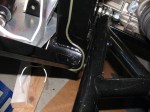
Here’s how the line goes up the support next to the lower rear sway arm. It will be slightly bent away from the chassis and held in place with the insulated line clips to prevent chafing.
-

-
Going up to meet the rear brake flex line, driver’s side.
-
-
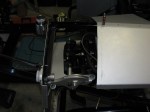
A peek into the pedal box – I am still not quite sure how this is going to work. The sheet metal on the right is going to be covered by the Coupe body, so this will be riveted – or screwed – into place. The open side on the left is going to have a one-piece cover. Will this provide enough access for brake balance and clutch cable adjustments?
-

-
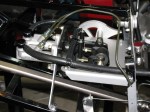
Inside the pedal box, showing the front brake line going to the master cylinder. Not as pretty as some others I have seen, but I can always re-do this later, right?
-
-
Here is a view of the rear brake line going to the second master cylinder. I drilled out one rivet fastening the sheet aluminum to the firewall and replaced it with an 8-32 stainless steel screw. It holds the line clip as well as the firewall panel.
-
-
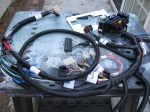
Next on the to-do list: Wiring
-

-
Next on the to-do list: Fuel tank.
It has been very hot in the garage over the last several weeks, temperatures in the garage were about 95 degrees F (35 degrees C) – I finally did a functional test of my portable air conditioner. This is not a new idea, I saw this several years ago on some maker/hacker site, and there is a commercial version of something very similar to this sold at recreational vehicle and camping stores.
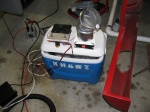
Basically, it is an ice chest filled with ice water, some 12VDC fans, an automotive heater core, a marine bilge pump and some hose. Ice water circulates through the heater core while one fan blows air into the cooler and another fan blows air out of the cooler.
I need to cut a notch in the cooler to make way for a bracket, but it is otherwise complete.
This thing made me think about making a water-cooled vest, using a smaller pump and my back-mounted water carrier – it would be perfect for events like Burning Man and ROCstock!
-
-
The KH6WZ Air Cooler under its first test. Ambient temperature was 95 degrees. The cover does not fully close because of some mounting bracket interference. This will be corrected and more tests will be run.
-
-
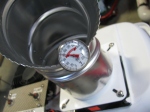
Fan only running, with ice. A drop of almost 10 degrees.
-
-
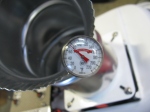
With fan and pump running, an additional 3 to 4 degree reduction. I think the effectiveness will improve if the container is fully sealed and more ice is added.
Some friends at the office launched a helium balloon last weekend (Sunday 25 August). We talked about tracking the balloon and of course, I have several ham radio “tracker boxes” that interface a GPS unit to ham radio and then the Internet. Making something small and lightweight could be something that can be part of the payload for a high altitude balloon.
Interestingly, I had a project in my mind ever since I started my various beacon projects many years ago: It is a 21st century message in a bottle – build a disposable, waterproof, floating APRS beacon that I can throw overboard and into the ocean. Then the world can track this thing as it floats around. It will have some instructions on what to do with it if it is found. And, if the finder is or knows a ham radio operator, I will ask that they throw it back into the ocean so it can be found and tracked again.
Here is a picture of one of the main ingredients I will be using:
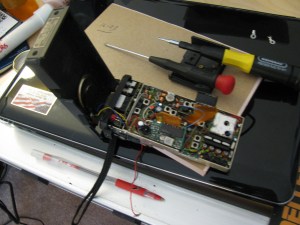
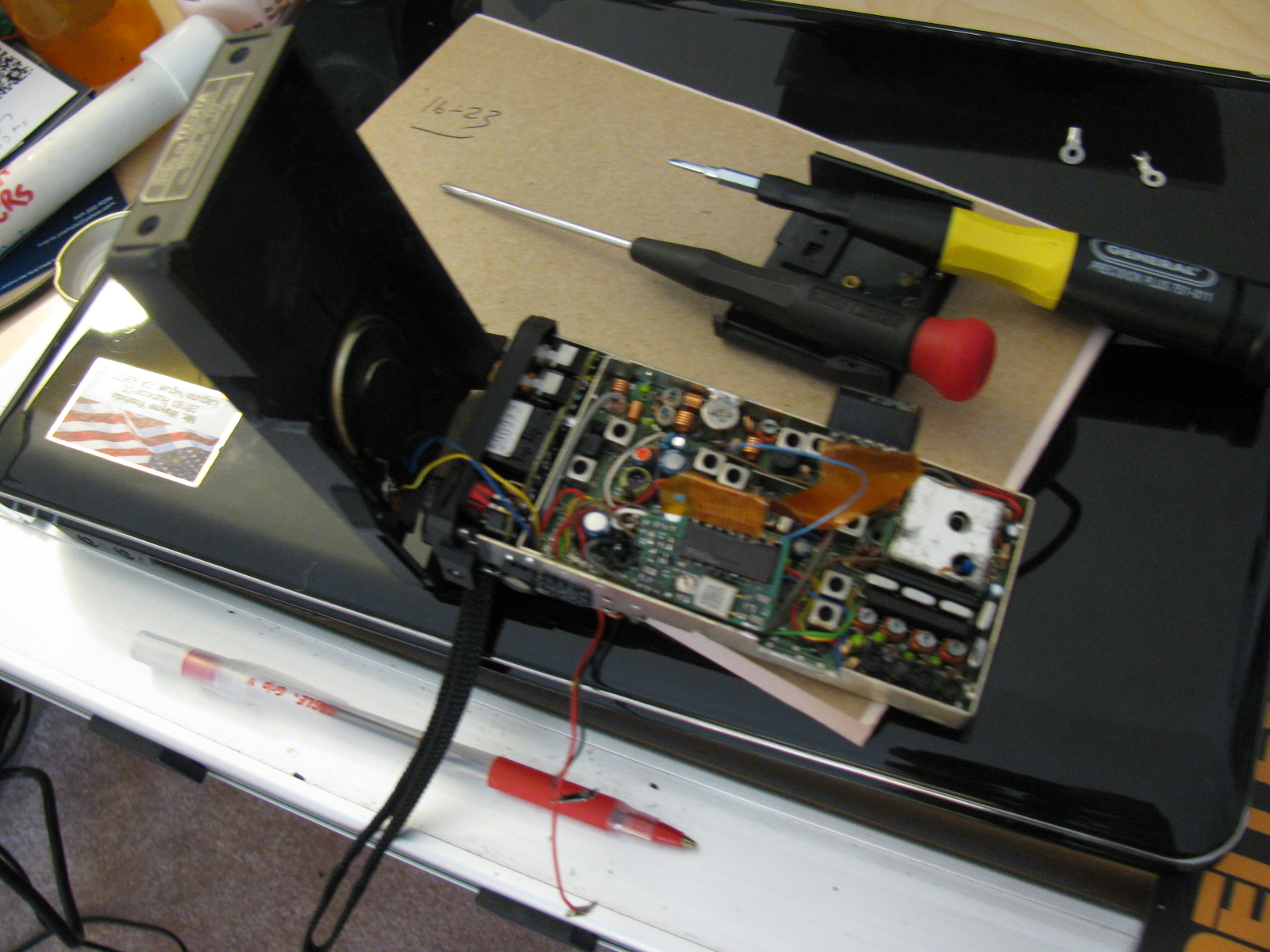
An old but working 2 meter HT can be put to good use as the RF portion of an APRS beacon.
The plastic case, battery pack and rubber duckie antenna will be discarded to reduce weight. LED indicator lights will be disconnected to reduce current consumption. Other parts or functions will be deleted to conserve space, weight and power consumption.
The APRS modem will be a TinyTrak unit, as with my other APRS projects.
I may build two of these, one for balloon flights and one for message in a bottle use.
Discovery Science Center – Advanced Ham Radio on Display at the Meet the Makers Event

Signage at The Discovery Cube announces the Meet the Makers Event
Dennis Kidder (W6DQ), Walter Clark and I demonstrated our Maker Faire ham radio projects at the Discovery Cube in Santa Ana on June 29 and 30, 2013. We used my TinyTrak APRS beacon to indicate our location during the event. In case the plot is removed or expires, here is an image of the map showing our location. KH6WZ is indicated by the eye icon near the Interstate 5 freeway in Santa Ana.

This is a screen capture showing the KH6WZ APRS beacon data from the Discovery Science Center – Meet the Makers event.
This was a great opportunity to expose people to today’s technology Amateur Radio, and continued along my Maker Faire theme, “Not Your Grandpa’s Ham Radio.”
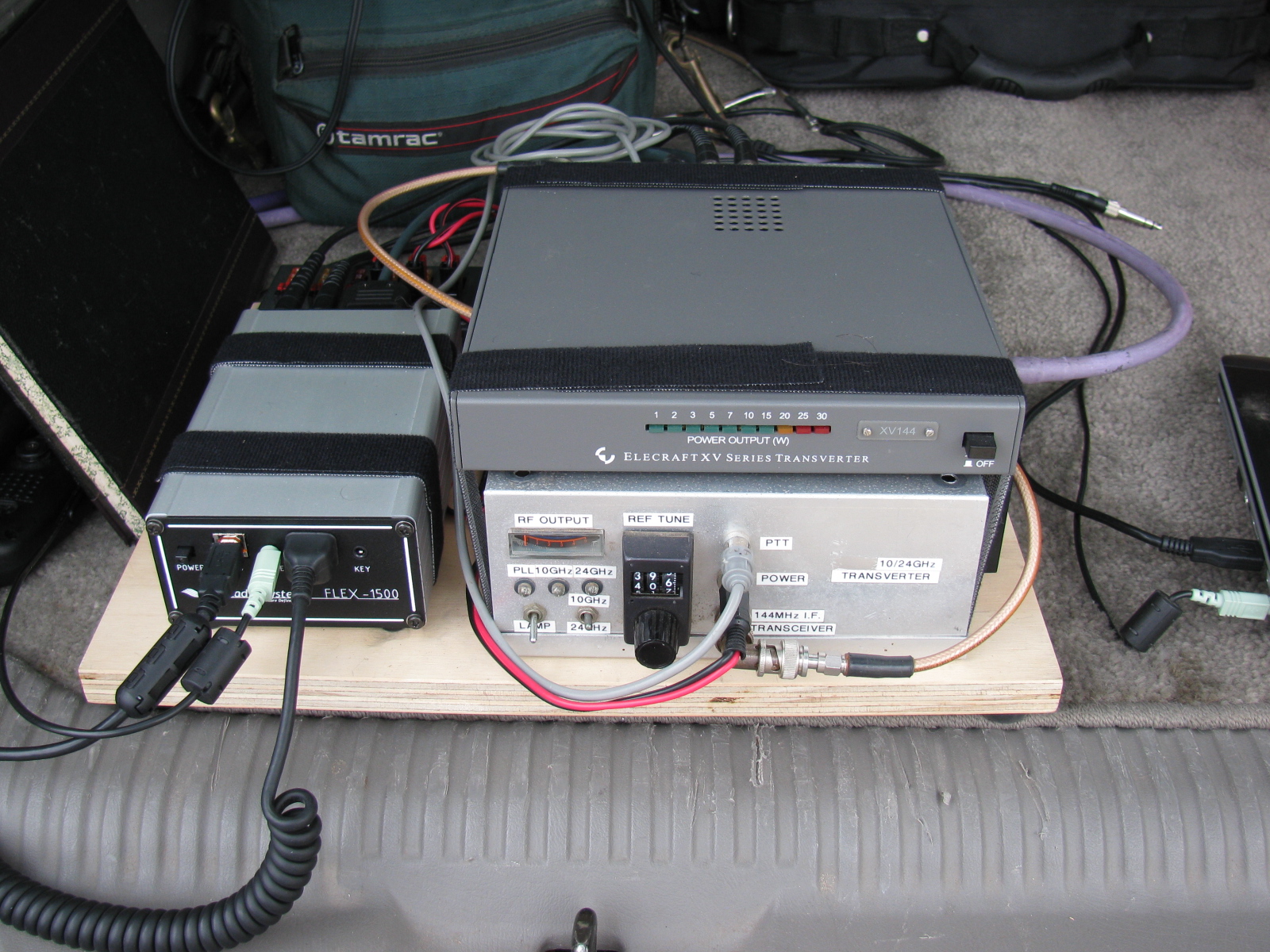
Dennis brought his dual band 10 GHz and 24 GHz transverter, controlled and interfaced to his software-defined radio (SDR).
Walt brought his polarization demonstration units, which helped people visualize how radio signals propagate and change as they travel through the air. Here’s how Walt explains his demos:
Two demonstrations show the structure of radio waves – in this case microwaves.
One
The structure of a radio wave in angle around the direction of travel: This is called polarization. A spinning bargraph that has a receiving antenna that also spins will reveal the way radio waves “look” to a receiving antenna. The lesson here is that the receiving and transmitting antennas have to be oriented to the same angle.
Two
The structure of a radio wave along the direction of travel: When a receiver is arranged to look exactly in [or along] the direction the radio waves are going out, reflections can be measured; just like in radar. The reflection off of the hand or the chest of a person causes the speaker to be loud or quiet depending on the exact position. It cycles from loud to quiet every 1.5 cm whether inches or many feet away. The lesson here is that with this equipment, you can picture in your mind the wavelength and especially note that the wavelength is the same no matter how far the radio wave travels.
We did not establish any goals for this event, but there were several memorable visitors to our little table display, including teachers, Maker Faire participants, some current and ex-ham radio operators, many engineers and retired engineers as well as engineering students.
This “Meet the Makers” event was a double treat for me, since this was the first time I visited the Science Center, and I had a blast talking about the new technologies being used by today’s ham radio enthusiasts.
Here are some pictures of this event . . .
-

-
An R/C R2D2 makes an appearance at the Meet the Makers event at the Discovery Science Center.
-

-
The 24-inch dish antenna makes a great stand for signage.
-

-
The KH6WZ APRS beacon display at the Meet the Makers event.
-

-
Dennis W6DQ, brought his software defined radio with 10 GHz and 24 GHz transverter to our exhibit.
-

-
Walt brought several fascinating displays to illustrate radio wave propagation.
-
-
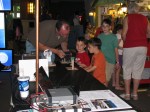
Dennis explaining the radio wave demonstration to our target audience: kids.
-

-
Great shot of Walt explaining radio wave propagation to some visitors.
-

-
The Science of Hockey at the Discovery Science Center
-
-
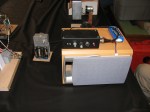
A close-up of one of Walt’s displays
Acknowledgements
Thanks to Bequi Howarth, of the Orange County Mini Maker Faire, who introduced us to the Discovery Science Center.
Links to More Information
Byonics (TinyTrak APRS and Weather Units)
Discovery Science Center, Santa Ana, CA
Orange County Mini Maker Faire, University of California, Irvine (UCI)
Maker Faire
Make: Magazine
American Radio Relay League (ARRL)
CQ Magazine
San Bernardino Microwave Society (SBMS)
Wayne Yoshida LinkedIn Profile

Microwave radio dishes used for ham (Amateur) radio communication.
The Orange County Mini Maker Faire is coming up (August 17 at UCI), so I added this intro to ham radio on the microwave bands. The Maker Fair coincides with the ARRL 10 GHz and Up Contest, and so, rather than missing the contest, I thought it would be fun to try working the contest from the Maker Faire. . . . .
Click here to view the presentation>>>> Microwaves: Not Just for Leftovers

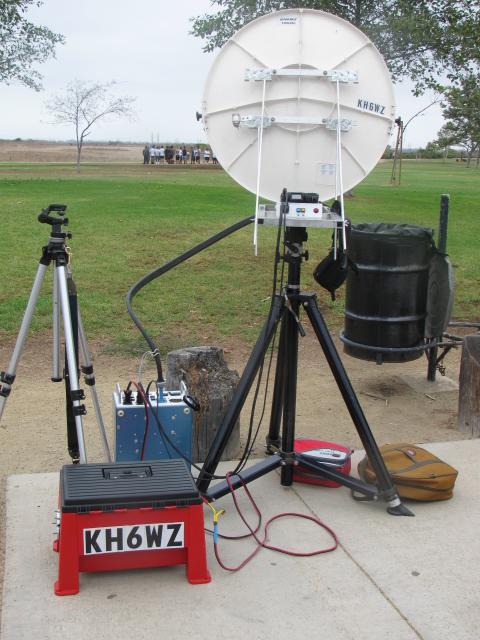
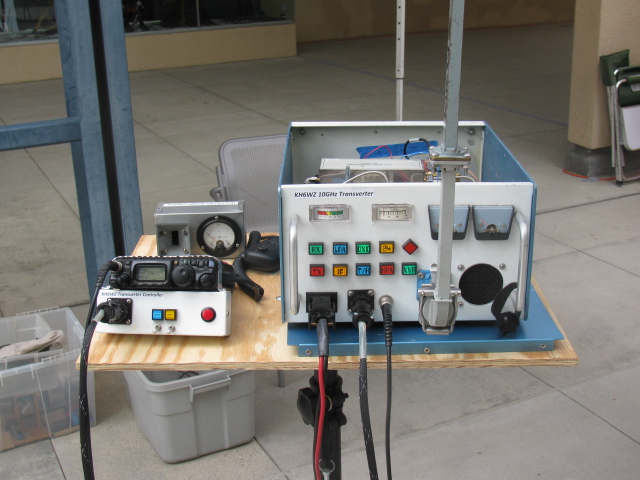
KH6WZ 10 GHz rig at a tune-up party
A presentation about record-breaking two-way ham radio contacts during the 2007 10 GHz and Up Contest
View the slide show in PDF >>>> XE2 to W6 in the 2007 10GHz and Up
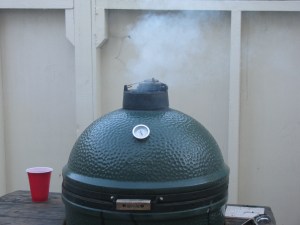
Getting the Big Green Egg up to temperature (250 degrees F). Hickory chips were added.
A recap of my first few cooks with a Big Green Egg ceramic cooker. Click the link >>>> A Barbecue Summer
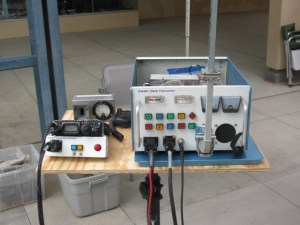
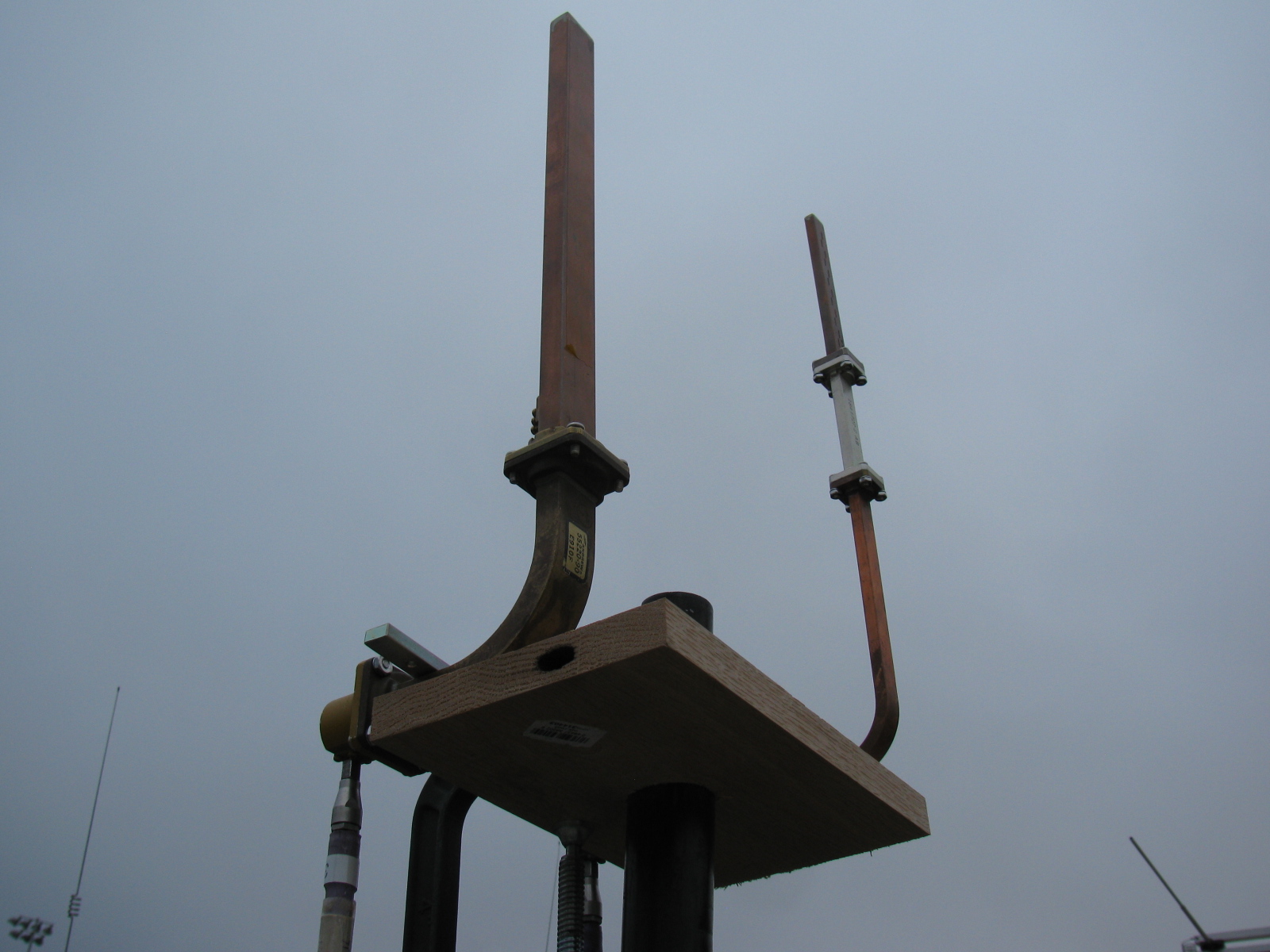
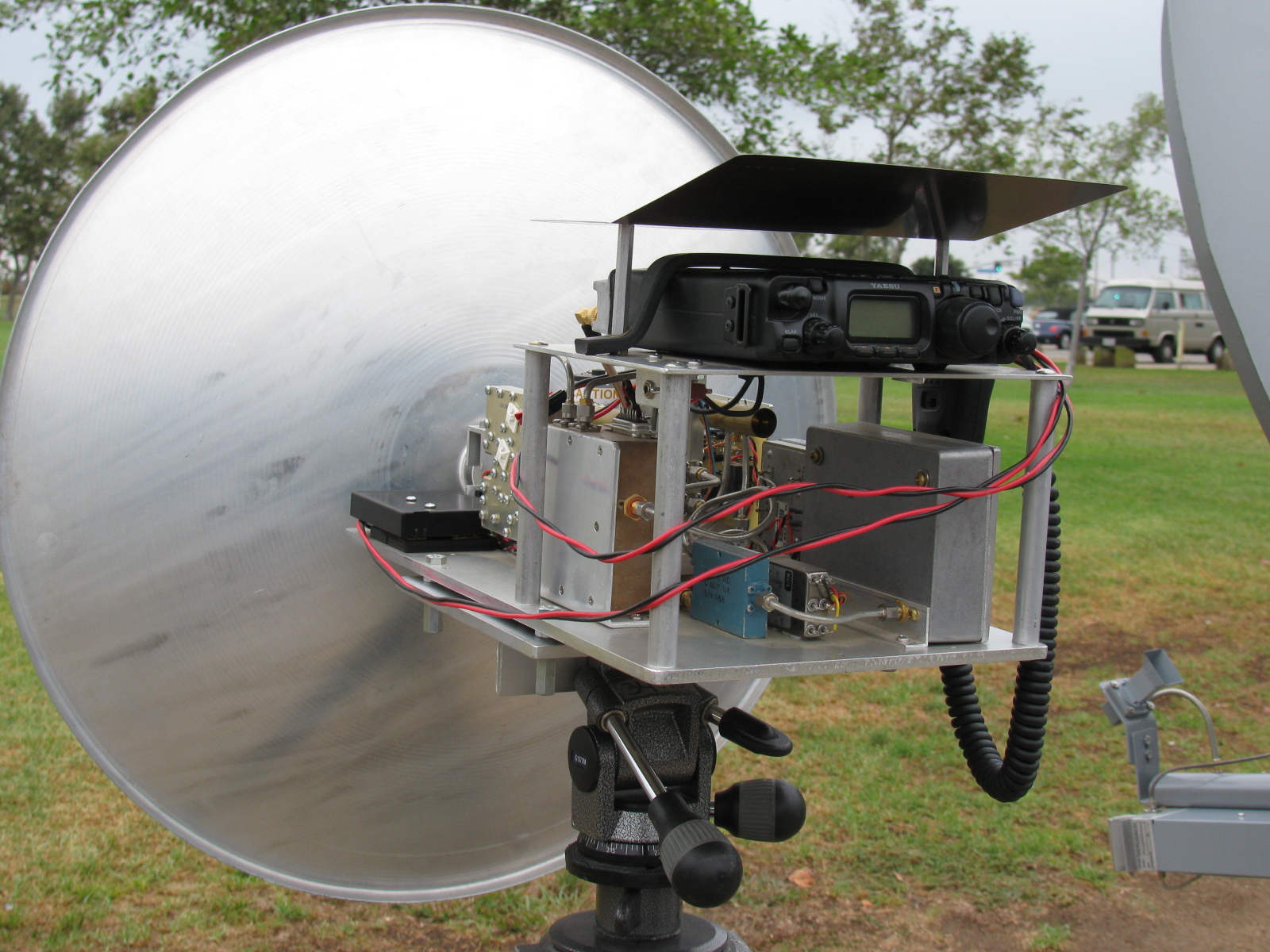
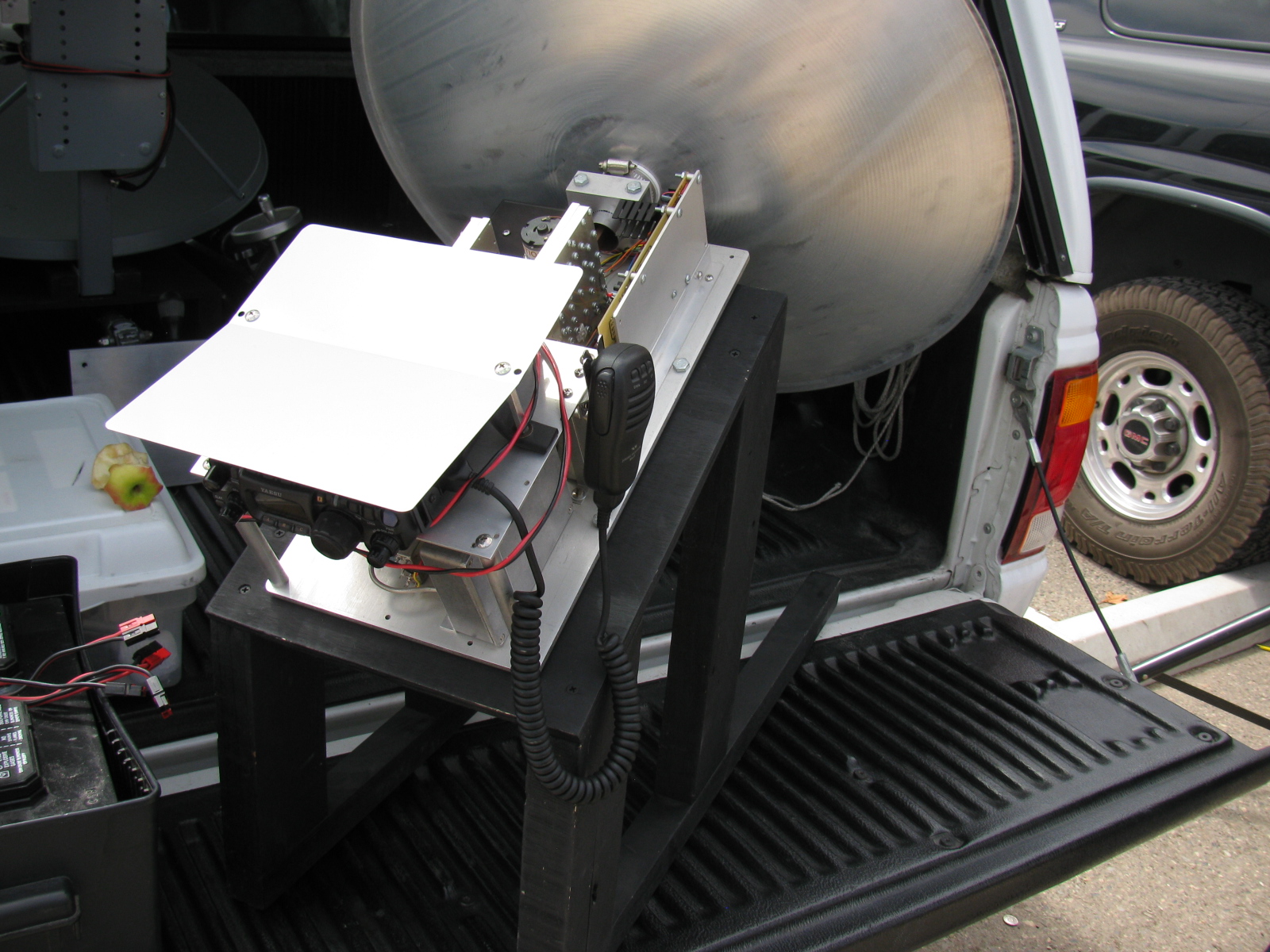
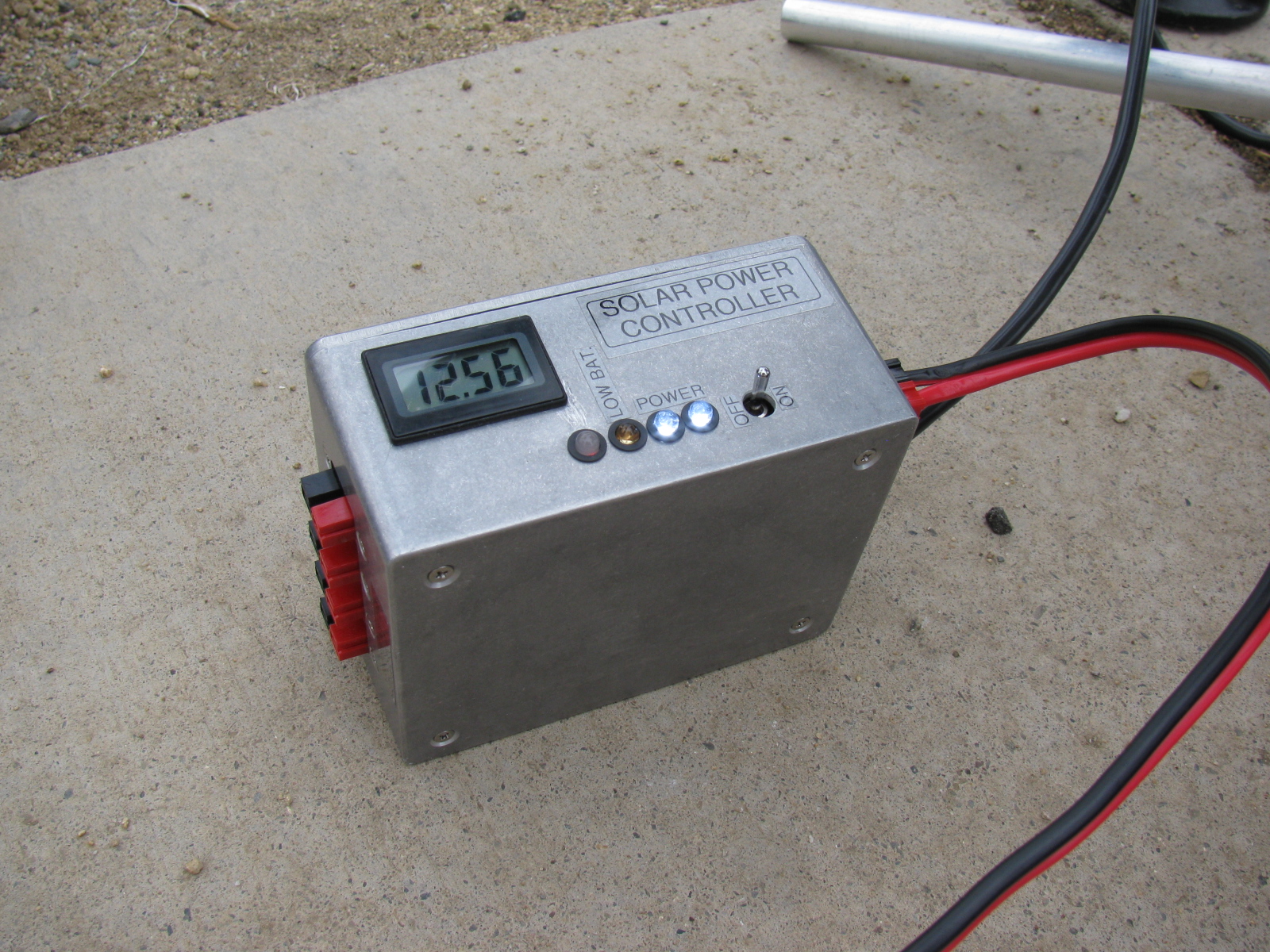
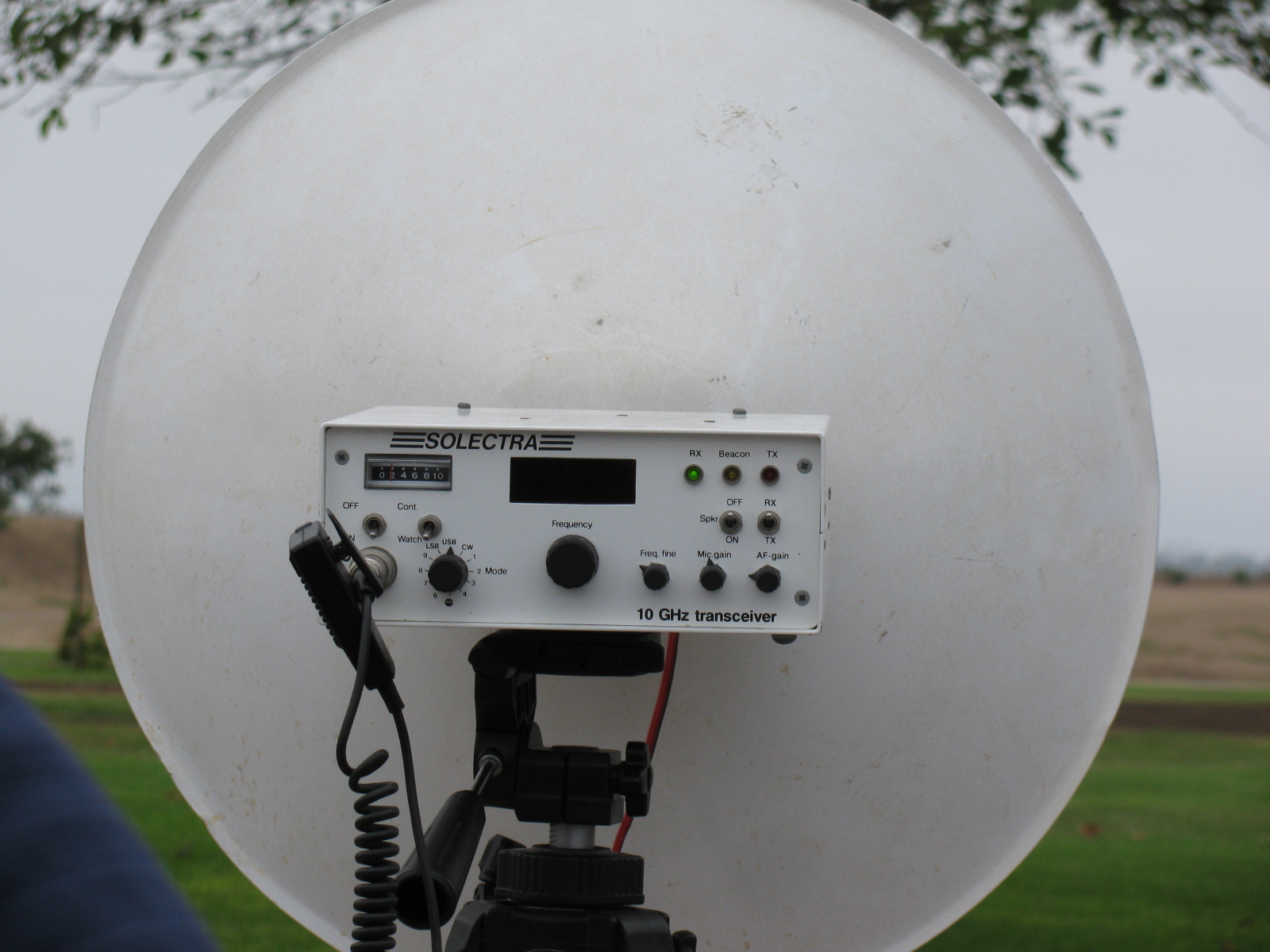
This past weekend, some of the active San Bernardino Microwave Society (SBMS) gathered at Fairview Park in the early morning to perform a field test of their microwave systems. Since I did not do anything with my rigs this past year, I decided to skip this field test, and take some pictures of any new more interesting rigs for this contest season.
Here are some pictures of the various station equipment SBMS club members built and tested that day . . .
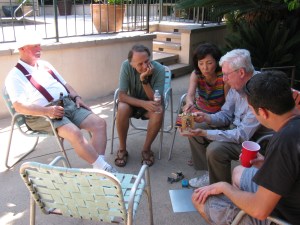
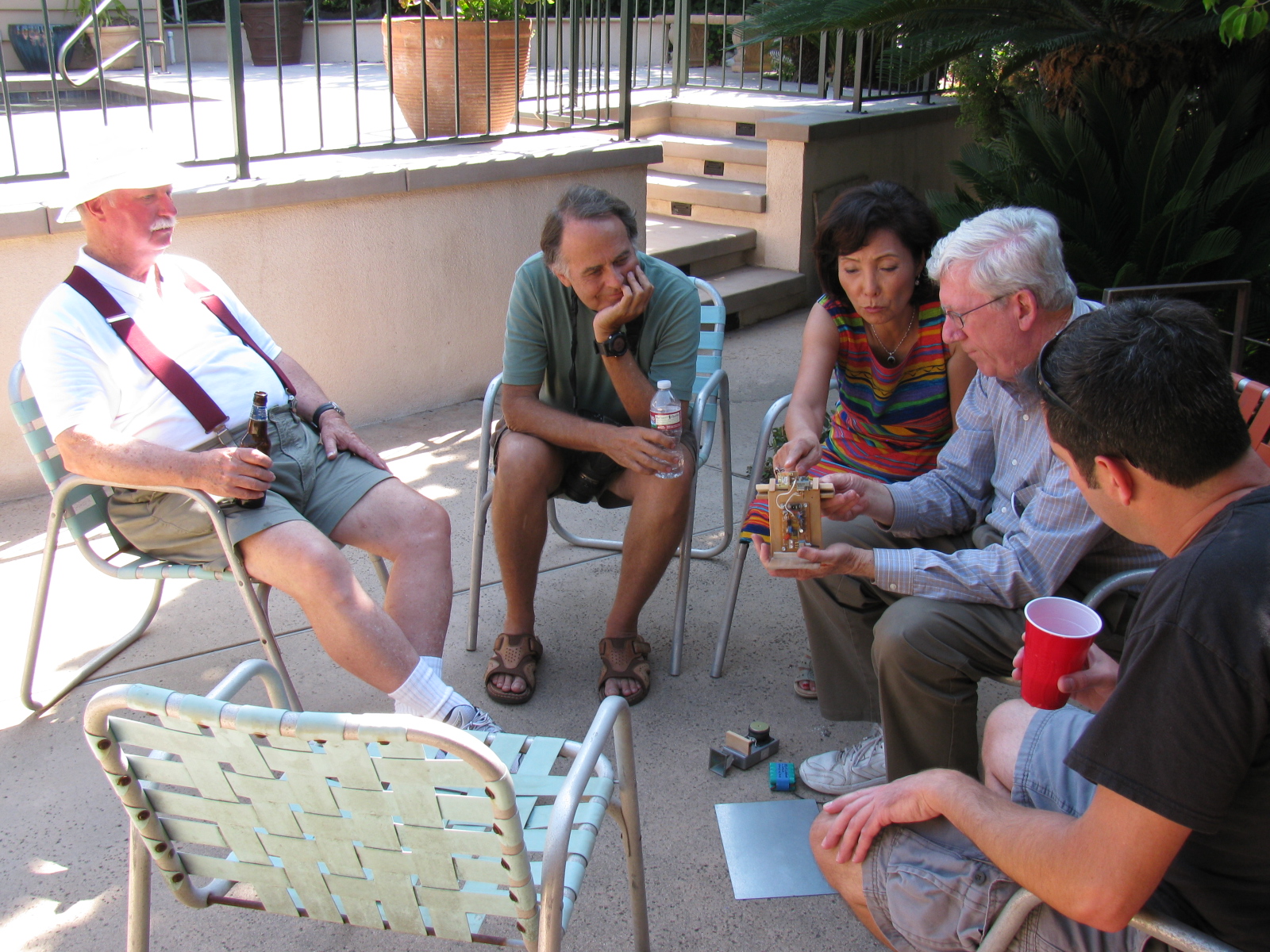
A post-Tune Up Party party and BBQ was held at Dennis W6DQ’s house. It was nice to relax and visit with the other SBMS members and enjoy some great BBQ chicken….. In the picture below, Walt, WALT explains one of his radio wave demonstrations to a captive audience… Watching and learning, from left to right are Bill Preston, KZ3G; Dan Slater, AG6HF and wife Sandy Slater; Walt, and Jason Sogolow, W6IEE.
If you are curious about the test setup, here is an article written by Kerry Banke, N6IZW, with some small edits by me:
Checking Microwave Radio Performance with a Simple ERP/MDS Test Unit
By Kerry Banke, N6IZW (Edited by Wayne Yoshida, KH6WZ)
Before heading for the hills with 10 GHz equipment around contest time, members of the San Diego Microwave Group (SDMG) and the San Bernardino Microwave Society (SBMS) check the Effective Radiated Power (ERP, transmit) and Minimum Discernible Signal (MDS, receive) with the simple setup described in this article. We hold the test sessions at the June and July meetings in preparation for the ARRL 10 GHz and Up Contest in August and September. The advantage to having two sessions is that it provides a second opportunity to verify improvements or allow participation if the first session is missed. The test unit works with both wide band and narrow-band radios.
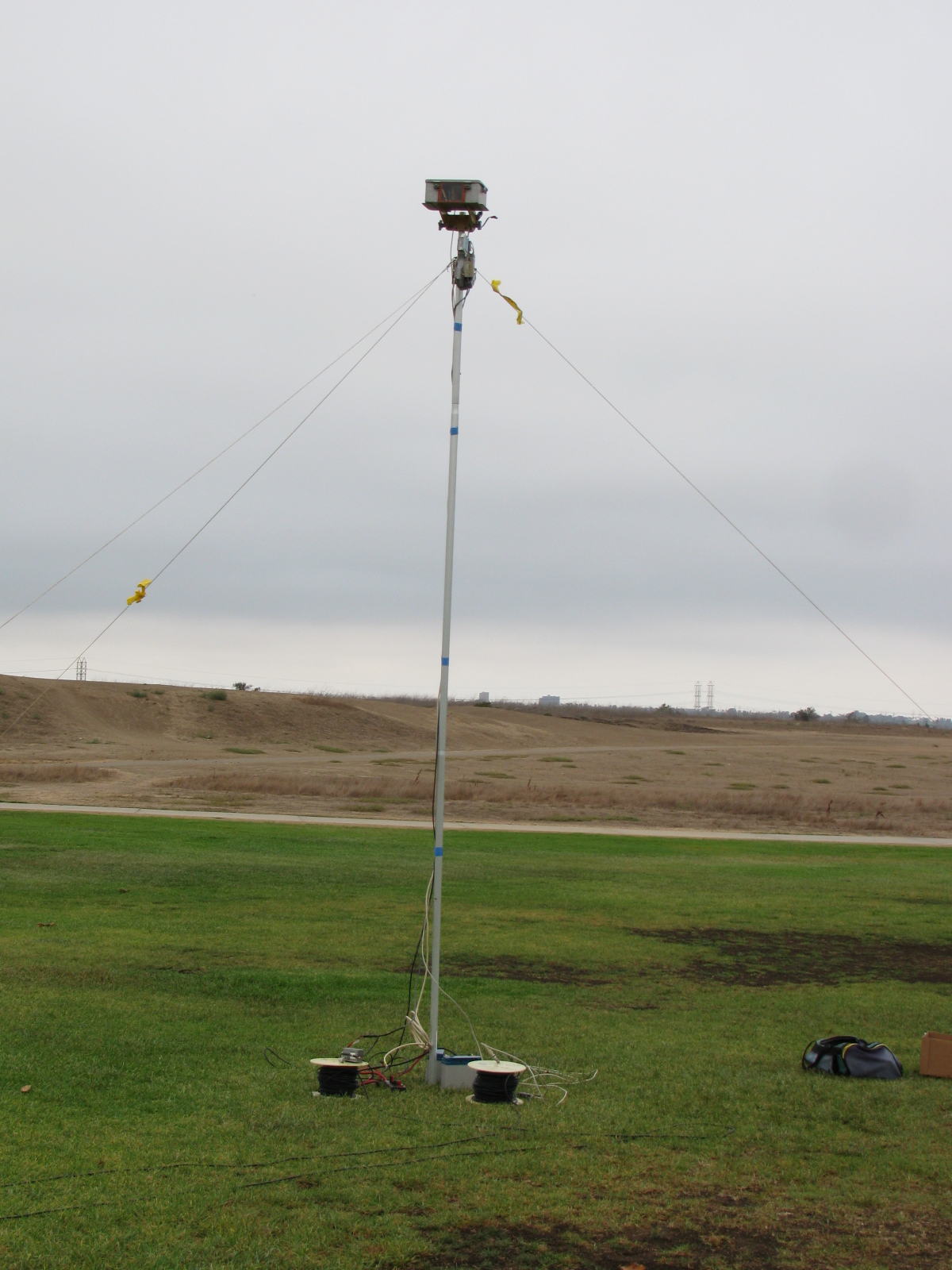
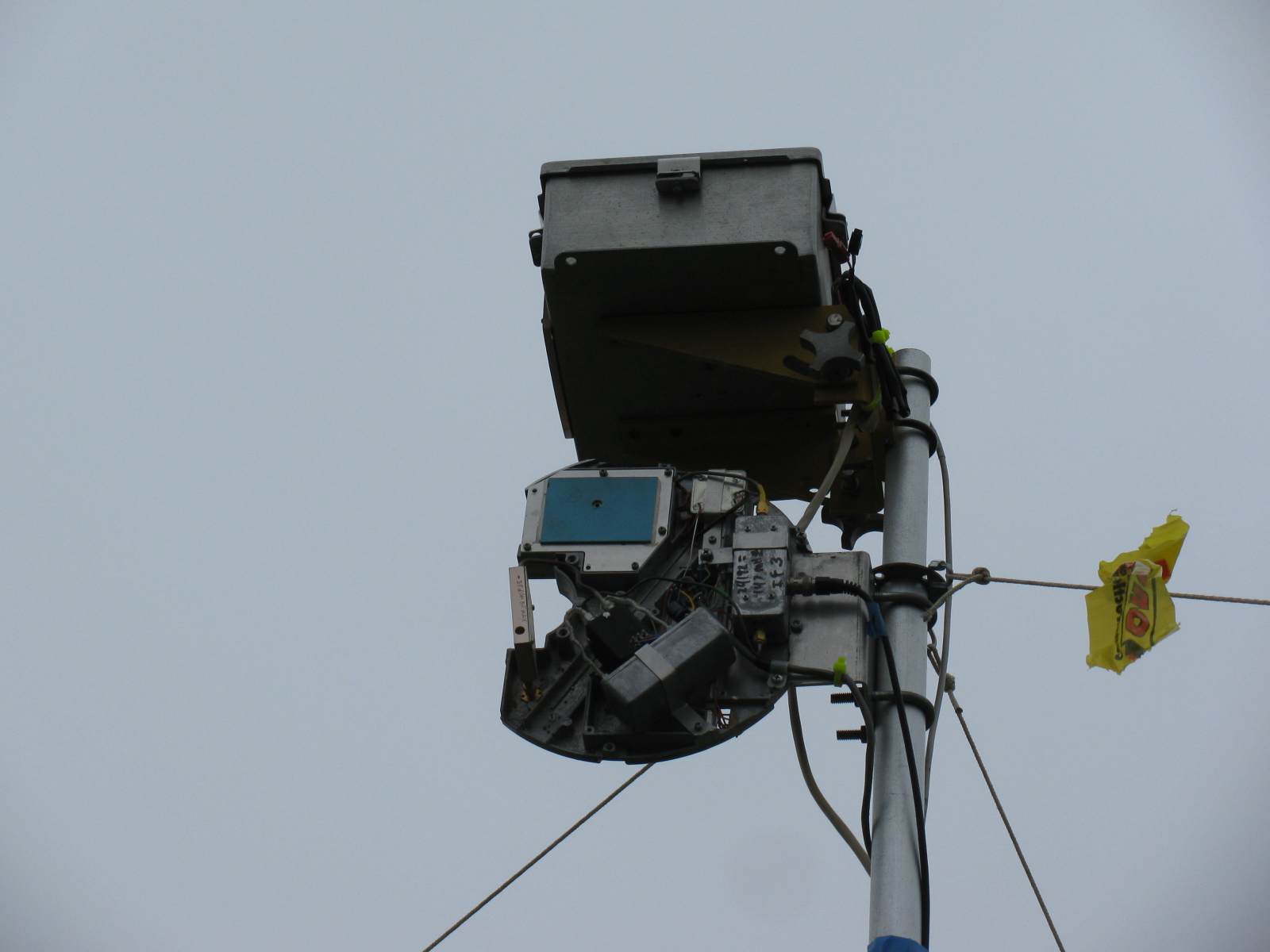
The Pole-Mounted Test Setup
The setup consists of a pole mounted X-Band converter unit connected by coax to a signal source (for MDS) and an amplifier/power meter located near the radios to be tested some 200-300 feet away. The MDS test must be performed first to align the radio antennas with that of the converter. A signal generator is connected to the IF coax and a suitable frequency (145 MHz) and power level (-40 dBm set to transmit an easily detectable carrier around 10368 MHz at the output of the converter.
MDS for Receive
Each participant adjusts their equipment and the system antenna for maximum signal as the power level of the signal generator is reduced to the point where it is no longer detectable by the radios. The level at which the signal can just be detected is considered the MDS.
ERP for Transmit
The ERP measurement is performed by connecting the IF coax to the amplifier and power meter. Each radio transmits one at a time and the power meter reading recorded. The variable attenuator is adjusted to keep the reading in a suitable power range for the power meter and amplifier. For the amplifier used, the maximum output power was about +10 dBm and the power meter range is about –20 to + 10 dBm so the attenuator was adjusted to keep the reading in the –20 to 0 dBm range.
The choice of the IF frequency for the converter depends on what is available for a 10 GHz local oscillator but needs to be low enough to keep the losses reasonable through hundreds of feet of coax. The amplifier gain and maximum output need to be based on the power meter characteristics. The signal generator needs to match the IF frequency chosen, have suitable stability for CW work (NB only), and have variable output (may be an external attenuator).
The converter consists of a Frequency West Brick as a 10,223 MHz local oscillator for a mixer used as an upconverter for MDS and down converter for ERP. The converter has a 13 dB horn antenna connected to the mixer RF port. Power is supplied by a 12V battery on the ground with a DC/DC converter supplying the required voltage for the local oscillator. The coax used is 300 feet of RG-59 which was readily available. No attempt to correct matching losses for the 75 ohm coax has been made. The loss of the coax and mixer as well as the amplifier gain was measured at the operating frequencies. It is not really necessary if only relative measurements are to be performed but it does allow a good comparison between measured and calculated values.
The results of the test are entered into a spreadsheet, which then calculates the ERP based on dish size in inches and estimated PA output of the radio under test. The distance in feet from the radios to the converter is input to the sheet, which then calculates the path loss in dB. For ERP, the sheet provides calculated ERP, measured ERP and the difference between them. For MDS at this time, only the signal generator level is recorded and is used for relative measurements.
Block diagrams for the 10 GHz and 24 GHz units are described in the PDFs below:
10 GHz ERP-MDS Block Diagram
24 GHz ERP – MDS Block Diagram
Intro to the MDS/ERP Event Results
(From an entry on the SBMS website on August 10, 2012)
These spreadsheets show the results of workshops/picnics where amateur microwave stations were compared on a unique test range for both transmitting and receiving performance. The test setup was developed by Kerry Banke, N6IZW and has been used by the San Diego Microwave Group (SDMG) and the San Bernardino Microwave Society (SBMS) over the past few years. The test setup consists of a remote TX/RX transmitter/sensor unit installed on a pole about 15 ft. high at a distance of approximately 220 ft. from the stations being tested.
The remote transmitter produces a stable signal on the operating frequency, such as 10368 MHz. Operators tune this in with their rigs and peak their antennas. The signal is then reduced in level until barely discernible (MDS). That level is logged. The operator then transmits with maximum CW power and the RX sensor power level is logged. The spreadsheet is used with the logged data and with data on each rigs claimed antenna size and transmit power to allow comparison of measured versus expected performance.
The results have been useful, not from an absolute basis, but by allowing operators to compare their rig’s results against other amateur’s rigs having similar TX, RX, and antenna characteristics. Any major performance differences between systems can help focus on problems that can be solved before upcoming contest events.
In past events, operators have discovered problems with relays, cables, connectors and even non-functioning power supplies.
Interpreting Results
Receive (MDS) performance is shown in the column marked “MDS Gen dBm.” You want the largest negative value compared to other stations having the same size or performance antenna on that frequency band.
In the last column marked “Meas-Calc,” transmit ERP performance is shown. A zero means that the ERP came out exactly as expected given the claimed transmitter power and antenna gain. A positive number indicates an ERP that is better than expected by that many dB. A negative number indicates system performance measures worse than expected.
Here are some results over the past years – 2013 results added!
TuneUp2013
SDMG ERP-MDS-2013 Results
TuneUp-2012
TuneUp-2011
TuneUp-2010
TuneUp-2009
Tune-Up-2008
TuneUp-2007
TuneUp-2006
TuneUp-2005
TuneUp-2004
TuneUp-2003
TuneUp-2002
TuneUp-2001
TuneUp-2000
















 wayneyoshidakh6wz